Tracking PPC conversions
If you run PPC campaigns – whether via Google Ads, Microsoft Advertising, Facebook, Instagram or other channels – you know clicks alone don’t tell the full story. What really matters is what happens after someone clicks. Did they convert? Did they call? Did they become a sale?
That’s where tracking PPC conversions makes all the difference.
What does tracking PPC conversions mean?
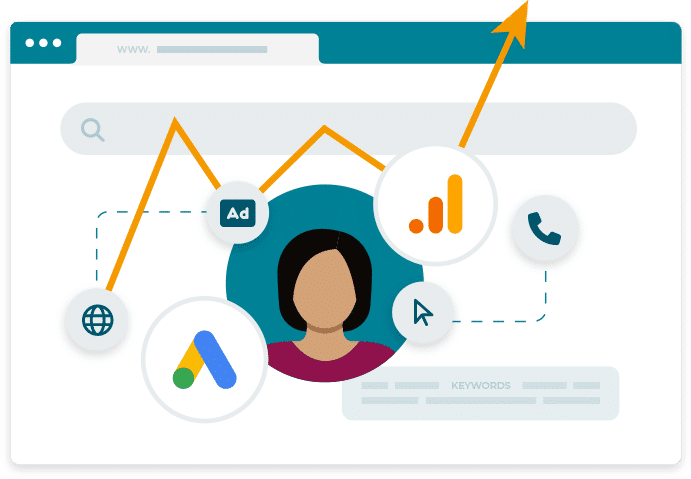
Tracking PPC conversions means seeing what happens after someone clicks your ad – whether they complete a form, make a purchase, or pick up the phone. It connects ad spend to genuine outcomes, helping you understand the true value of your campaigns.
With Mediahawk’s call tracking and marketing attribution tools, you can track both online and offline conversions, ensuring every lead, enquiry, and sale is accounted for.
The types and benefits of tracking PPC conversions
Types
- Online conversions: Add a tracking tag to your thank you page to record form submissions or purchases. Simple to set up, this method measures standard website actions.
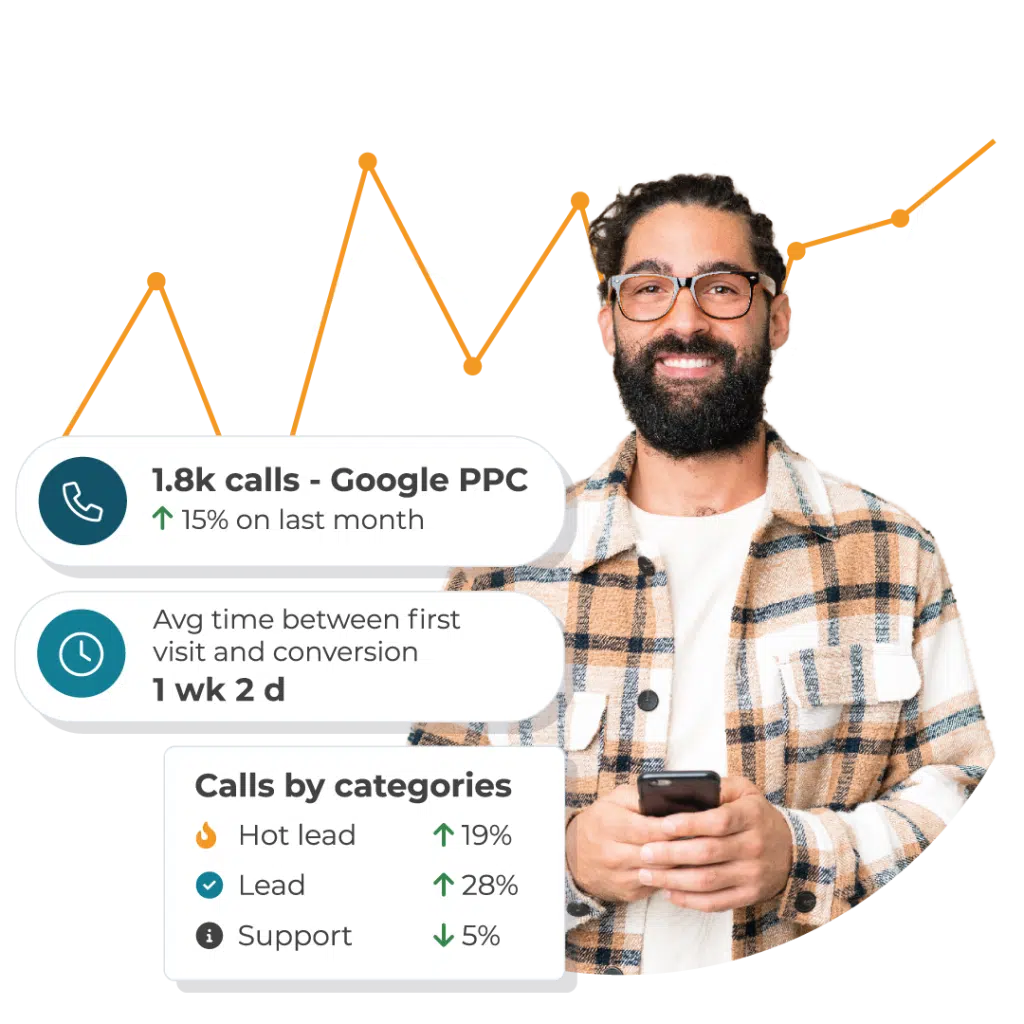
- Call conversions: Track when someone calls after clicking a PPC ad or visiting your site. Mediahawk’s PPC call tracking links every call back to the keyword, campaign, and ad that generated it.
- Dynamic Number Insertion (DNI): DNI replaces your website phone number with a unique one for each visitor, allowing you to see which channel — or even keyword — prompted their call. Learn more about dynamic number insertion.
- Multi-touch attribution: Use Marketing Attribution to track how multiple touchpoints — PPC, SEO, social, email, and calls — contribute to conversions.
Benefits
- See what really drives conversions – Identify which ads, keywords, and campaigns generate form fills, calls, or sales.
- Optimise your ad spend – Redirect budget to the best-performing campaigns and eliminate wasted spend.
- Understand the customer journey – Combine conversion data with Marketing Attribution to see how PPC fits into multi-channel journeys.
- Measure ROI with accuracy – Tie conversions to revenue to demonstrate PPC performance to stakeholders or clients.
- Capture offline conversions – Track phone calls through Dynamic Number Insertion and ensure every lead is attributed.
Best practice for tracking PPC conversions
To get the most from your PPC data:
- Define what counts as a conversion (forms, calls, purchases).
- Use call tracking numbers to capture phone leads.
- Connect your PPC data with analytics and CRM integrations for complete reporting.
- Filter out irrelevant calls to ensure accurate performance insights.
- Continuously refine campaigns based on insights from Mediahawk’s analytics tools.
How Mediahawk helps you track PPC conversions
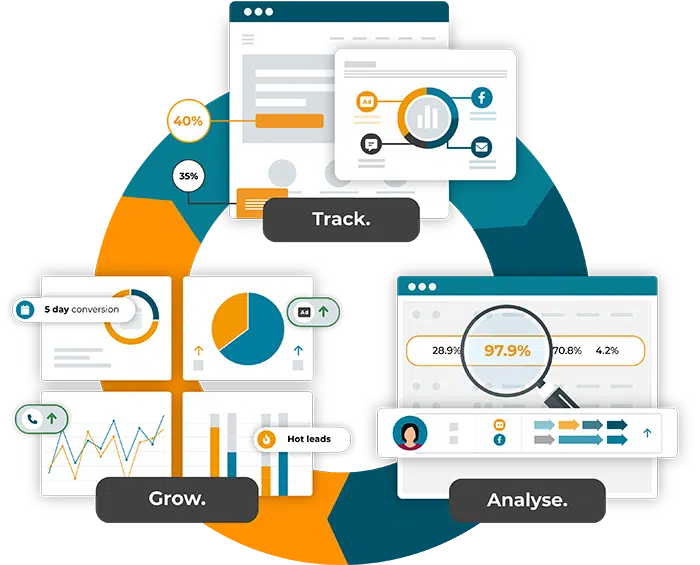
Mediahawk gives you a complete view of every conversion — online or offline. By linking PPC data with online conversions, call tracking, speech analytics, and revenue attribution, you can clearly demonstrate ROI and make data-driven marketing decisions.
You’ll see the whole user journey — from the first ad click to the final phone call or sale — with tools designed to help you improve PPC performance and grow conversions.
Ready to start tracking your PPC conversions more accurately?
Book a demo to see how Mediahawk helps you track every call, form fill, and sale from your PPC campaigns to uncover what’s really driving results.
